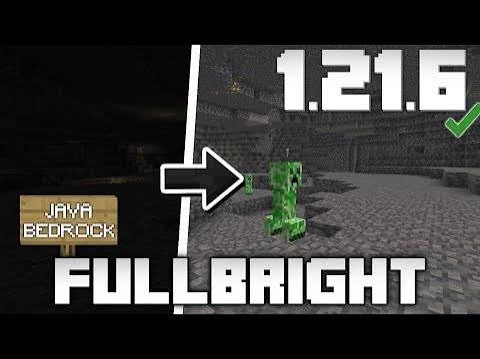
What to check when searching for FullBright Mod Bedrock or MCPE builds and why formats differ.
Java and Bedrock formats differ
The supplied archive uses a Java/OptiFine-style assets path. Bedrock and MCPE resource formats use different package structures and should be verified separately.
Do not force incompatible packages
If a download is labeled for Java or OptiFine, do not assume it can simply be renamed for Bedrock or mobile editions.
Check platform-specific instructions
Use documentation written for the exact edition you run and look for a package that explicitly identifies Bedrock or MCPE support.
Quick setup checklist
- Confirm the exact Minecraft version you use.
- Confirm the package type and required loader or OptiFine dependency.
- Back up a working game configuration.
- Test Fullbright without conflicting shaders or packs first.