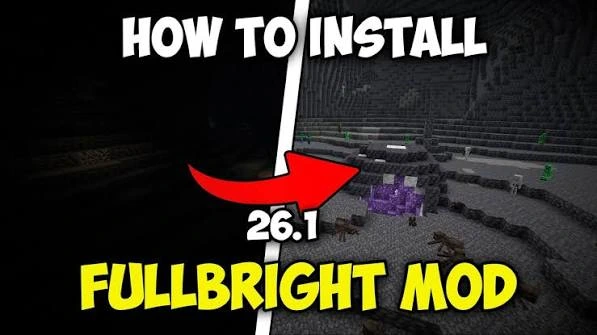
The supplied package metadata says OptiFine is required. Here is a clean setup checklist.
Why OptiFine matters
The supplied pack.mcmeta description explicitly says OptiFine is required, and the files live under assets/minecraft/optifine/lightmap.
Basic setup order
Install and launch a compatible OptiFine build first, then add the Fullbright ZIP to your resource-pack location and enable it in game.
Test without shaders
If brightness does not change, temporarily disable shaders and competing resource packs because they can override lightmap behavior.
Quick setup checklist
- Confirm the exact Minecraft version you use.
- Confirm the package type and required loader or OptiFine dependency.
- Back up a working game configuration.
- Test Fullbright without conflicting shaders or packs first.