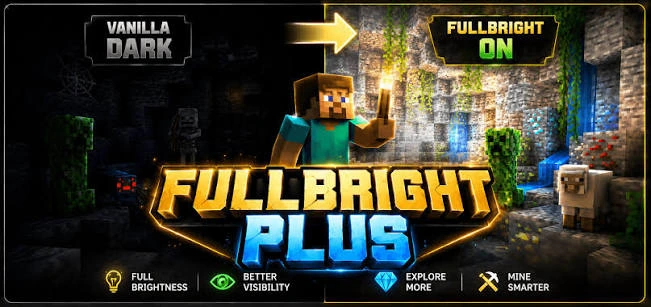
A version-check workflow for users looking for Fullbright Mod 1.21 or 1.21.1 compatibility.
Start with pack format
The supplied package records pack_format 15. Pack formats correspond to specific Minecraft resource-pack eras, so newer versions may warn about incompatibility.
Check your OptiFine build
Fullbright behavior here depends on OptiFine lightmaps, so a compatible OptiFine release is part of the version check.
Avoid unsupported claims
A search term containing 1.21 or 1.21.1 is not proof that a given ZIP supports that version. Confirm the release notes or package metadata first.
Quick setup checklist
- Confirm the exact Minecraft version you use.
- Confirm the package type and required loader or OptiFine dependency.
- Back up a working game configuration.
- Test Fullbright without conflicting shaders or packs first.